
Download PBX SM Automation
Free download. Android APK V1.0.0 and Windows V3 app, only from the official site pbxdoc.com. Skip random APK links.
Sponsored: Try Top Earning Apps
You searched for the PBX SM Automation download. The official site hides its download buttons below long tutorials, and Google mixes in unrelated telephone PBX systems. This guide gives you the direct path: the right file and the safe steps.
One important note first. This guide is about PBX SM Automation, the social media automation tool from pbxdoc.com. It is not about telephone or business PBX phone systems. If you came for office phone software, this is the wrong page.
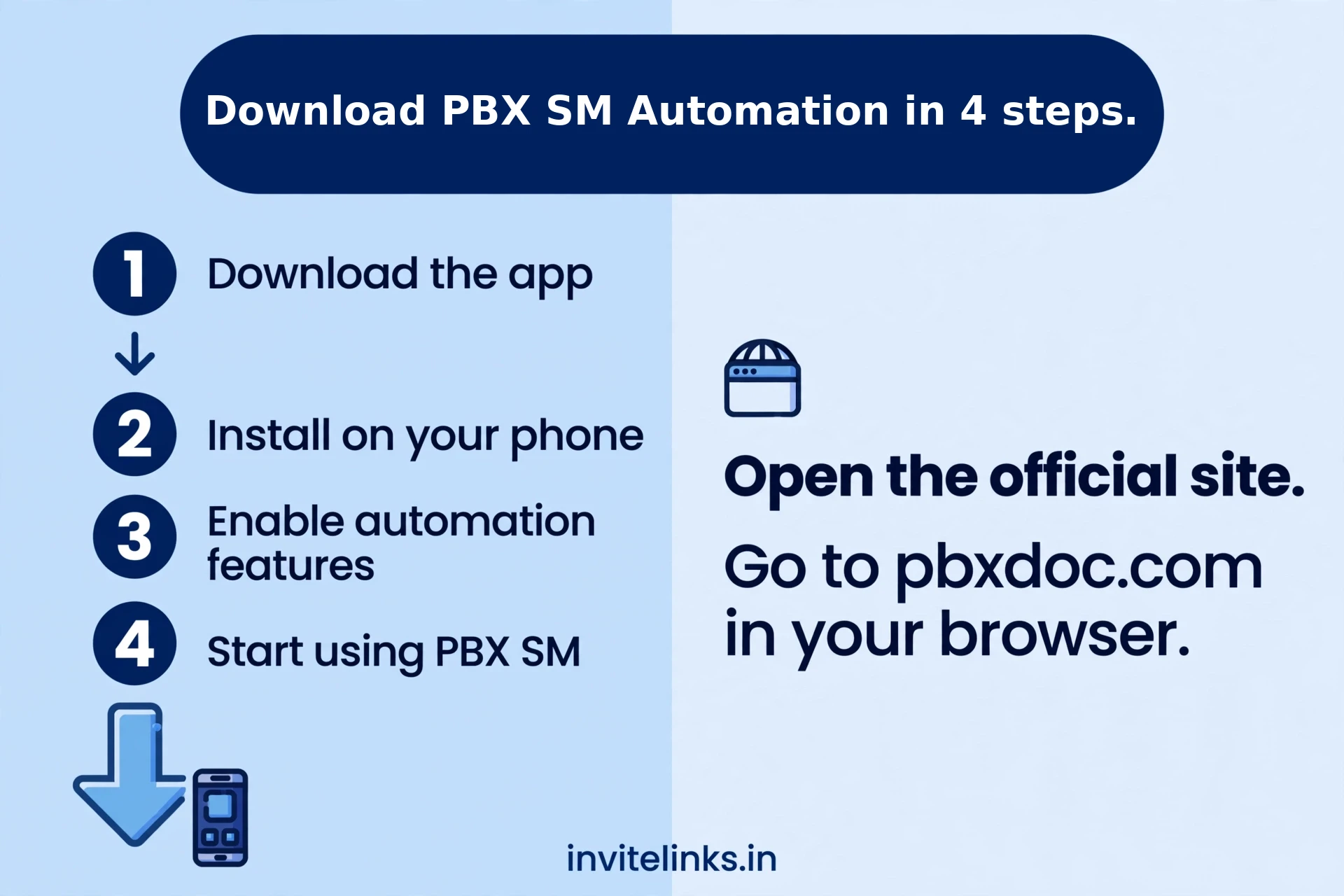
Download PBX SM Automation in 4 steps.
- Open the official site. Go to pbxdoc.com in your browser. This is the only official source.
- Pick your platform. Choose Android for the APK (V1.0.0) or Windows for the desktop app.
- Install it. On Android, allow installs from your browser once, then open the APK. On Windows, run the installer.
- Sign up inside the app. The only official signup is through the app itself. Create your account there and log in.
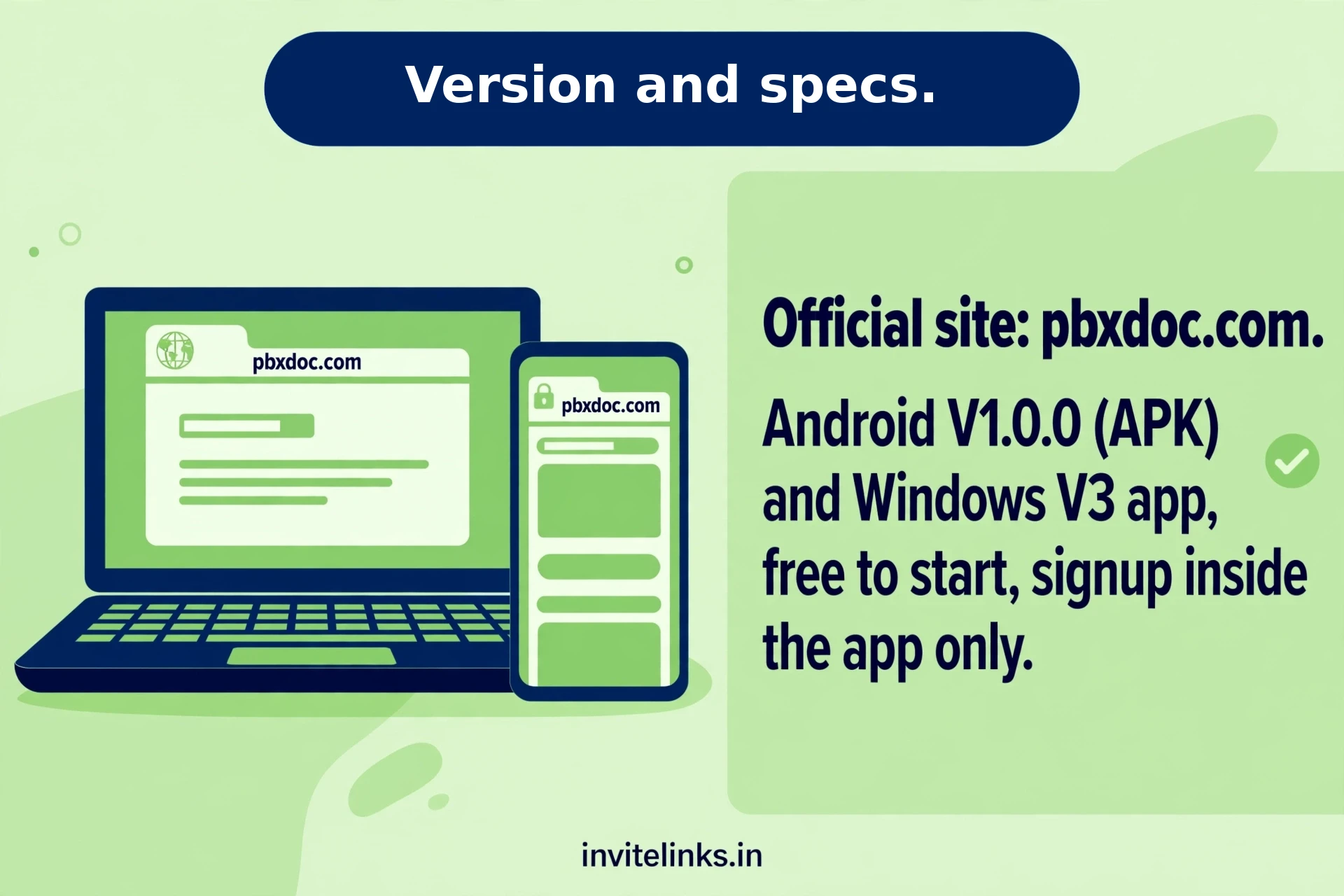
Version and specs.
| Detail | Info |
| Official site | pbxdoc.com |
| Android version | V1.0.0 (APK) |
| Windows version | V3 app |
| Price | Free to start |
| Signup | Inside the app only |
Good to know before you start.
- One account per device. The rules are strict, so follow them exactly.
- No RDP or cloud systems. Using the app there leads to permanent suspension.
- Use spare social accounts. The app logs into your social profiles to automate tasks, so keep your main accounts separate.
- Start free and verify. Confirm one small payout before spending anything.
Frequently asked questions.
Where is the official PBX SM Automation download.
Only on pbxdoc.com. There is no official Play Store listing, so the site is the source.
Is the PBX SM Automation APK safe.
The file from pbxdoc.com is the official one. Avoid APKs from random sites, they are not the official source.
Can I use it on two devices.
No. The rulebook allows one account per device, so pick one and stick to it.
Keep Reading: still unsure whether to install it? Read our PBX SM Automation real or fake review for the full safety verdict before you log in. Prefer installing straight from the Play Store? Our Earn Master download guide walks through the official path.